Contents
Knowledge Base
Everything you need to know about setting up, configuring, and maximizing your AutaKimi experience across Windows and Android.
Getting Started
AutaKimi is completely portable and cross-platform, running natively on Windows 10/11 and Android devices.
Windows Desktop
- Download
AutaKimi.exefrom the Releases Page. - Run the executable directly anywhere on your system.
- Choose your interface language (English or Arabic) and theme.
Android Mobile
- Download
app-arm64-v8a-release.apk(recommended 51 MB for modern phones) orapp-universal-release.apkfrom the Releases Page. - Open the APK on your device and tap Install (grant unknown sources if prompted).
- Launch the app to enjoy gesture-based touch reading on the go.
Extensions System
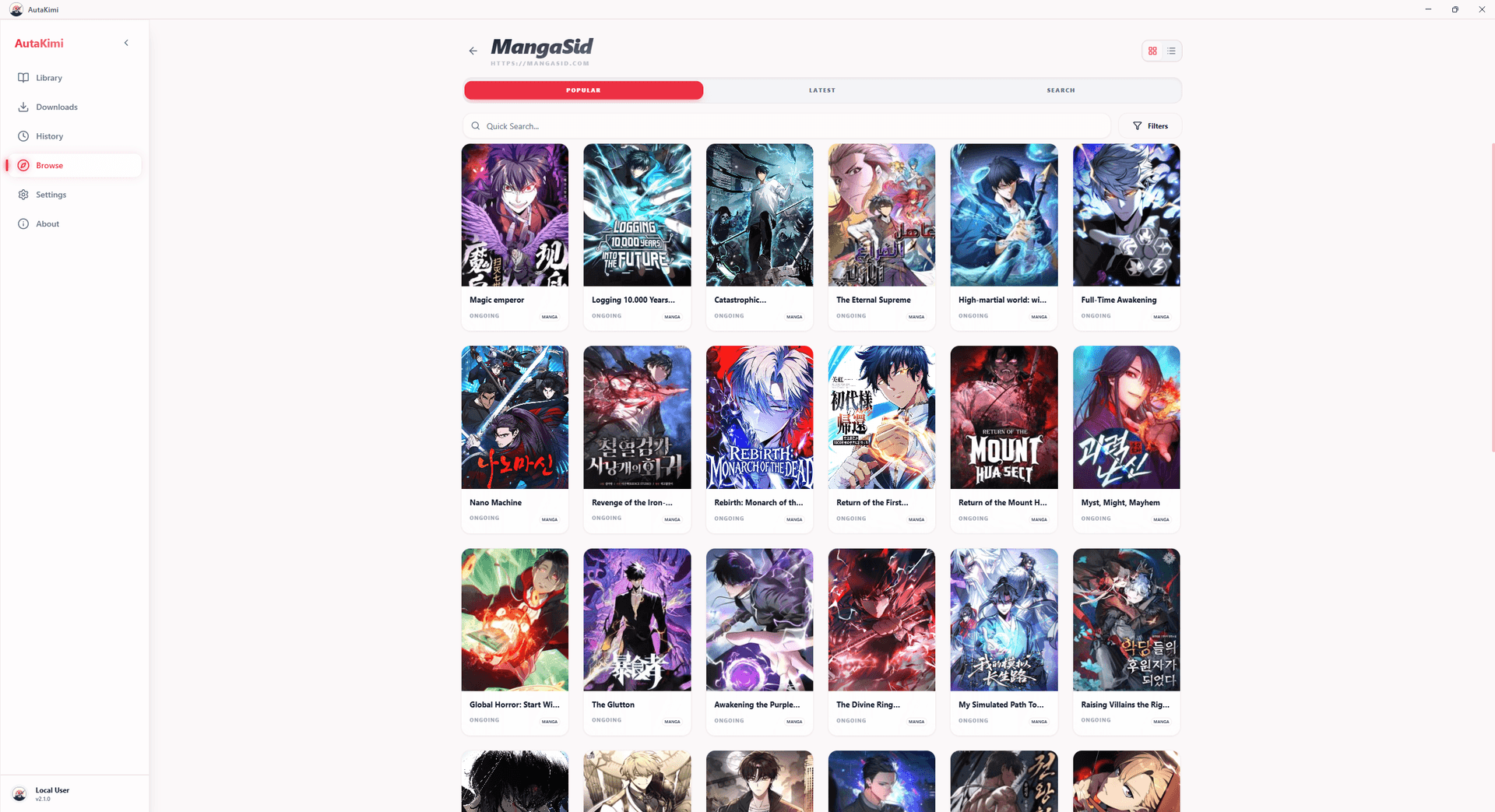
AutaKimi acts as an empty media viewer shell. It does not host copyrighted content. Instead, it runs sandboxed community extensions that connect to your preferred public sources.
- Cross-Platform Parity: Extension execution is identical between Windows (Node VM) and Android (sandboxed JS runtime), supporting full URL, Buffer, and Cloudflare cookie bypass protocols.
- One-Click Installation: Browse community sources in the built-in catalog and install or update plugins with a single click.
- Language & Safety Filtering: Filter extension catalogs and search feeds by languages (Arabic, English, etc.) and safety ratings.
Local Wi-Fi (LAN) Sync & Backups
Sync your reading progress, library collections, and history between PC and Phone without relying on third-party cloud servers.
Seamless LAN Pairing
When both your desktop and Android phone are on the same local Wi-Fi, AutaKimi discovers your desktop sync server automatically. Tap Sync in settings to instantly merge reading states.
Offline .json.gz Backups
Export your entire SQLite library as a compressed .json.gz backup file. Import it on any device to restore categories, chapters, bookmarks, and settings offline.
AniList Smart Tracking
Keep your anime and manga lists updated automatically as you read and watch.
- Automated Progress: Reading a chapter or watching an episode automatically syncs your progress counter directly to AniList.
- Smart Completion: When you read the final chapter or watch the final episode of a finished series, AutaKimi automatically updates the status from CURRENT to COMPLETED.
- Offline Retry Queue: If you read offline or on an airplane, updates are safely stored in a local SQLite queue and dispatched automatically as soon as internet connectivity returns.
Offline Reading & CBZ Storage
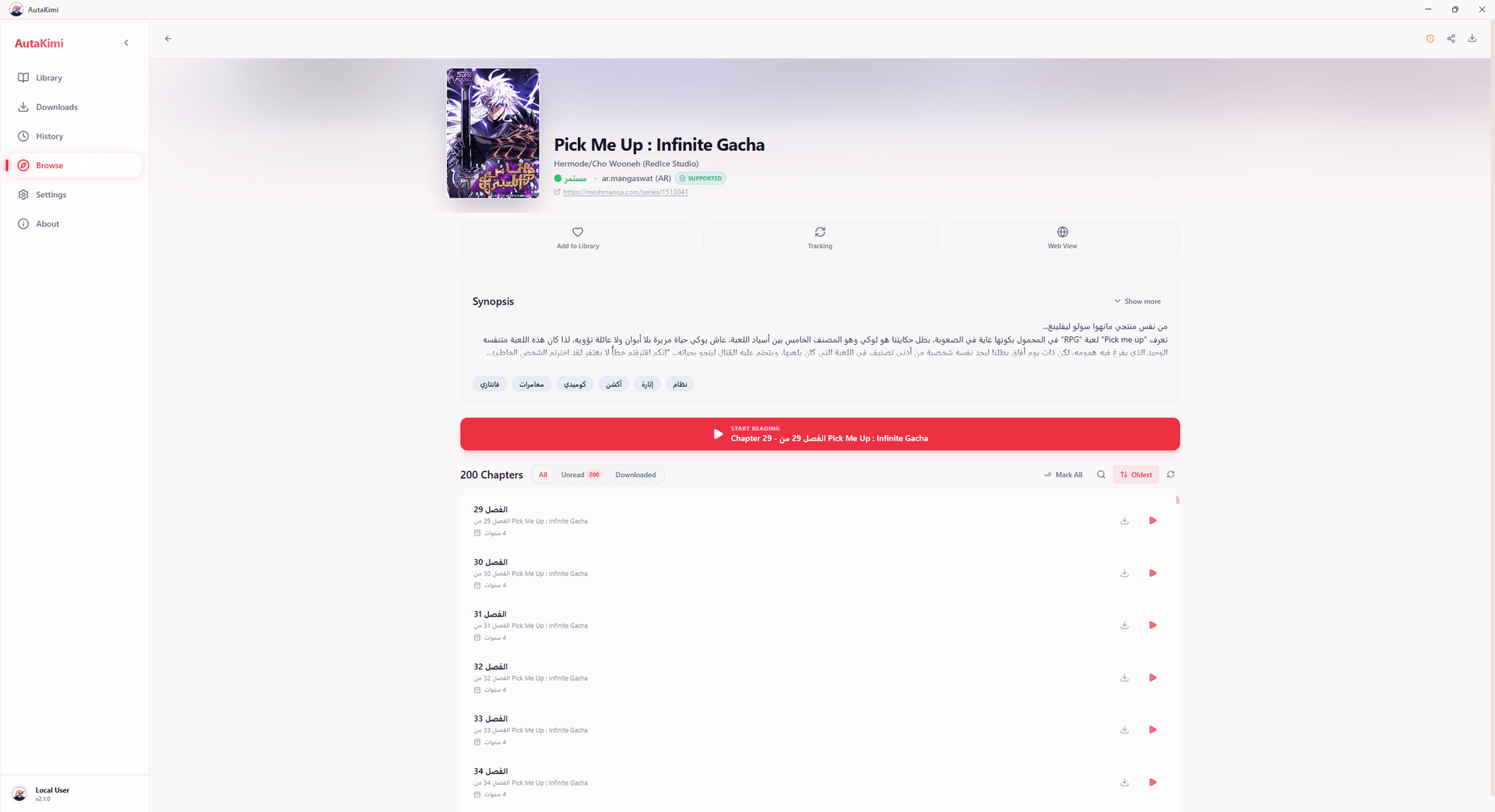
Built with an offline-first SQLite database, your library and progress are saved strictly locally. You can download entire volumes for plane rides or unstable networks.
Bulk Downloading & CBZ Export
Select chapters in the series view to queue them into the background worker. Downloaded chapters are saved as standard .cbz archives, accessible for offline reading or export to any comic reader.